Mobile Badge Access vs. Employee Badge System vs. Keycard Reader for Bay Area Businesses
Mobile Badge Access vs. Employee Badge Systems vs. Keycard Readers for Bay Area Businesses
Choosing a business entry system often starts with one practical question: what will be easiest to manage every day?
For Bay Area businesses, the right answer depends on how people actually move through the building, how often staff changes, and whether you need to support visitors, vendors, and teams across more than one office. Some companies want a familiar employee badge system. Others want mobile badge access so staff can unlock office with phone credentials. Some need a simple door keypad system for a back office or shared commercial space.
This guide compares physical badges and cards, phone-based credentials, and keypad or PIN entry so you can decide what fits your site, your team, and your day-to-day operations.
1. Physical badges and keycards
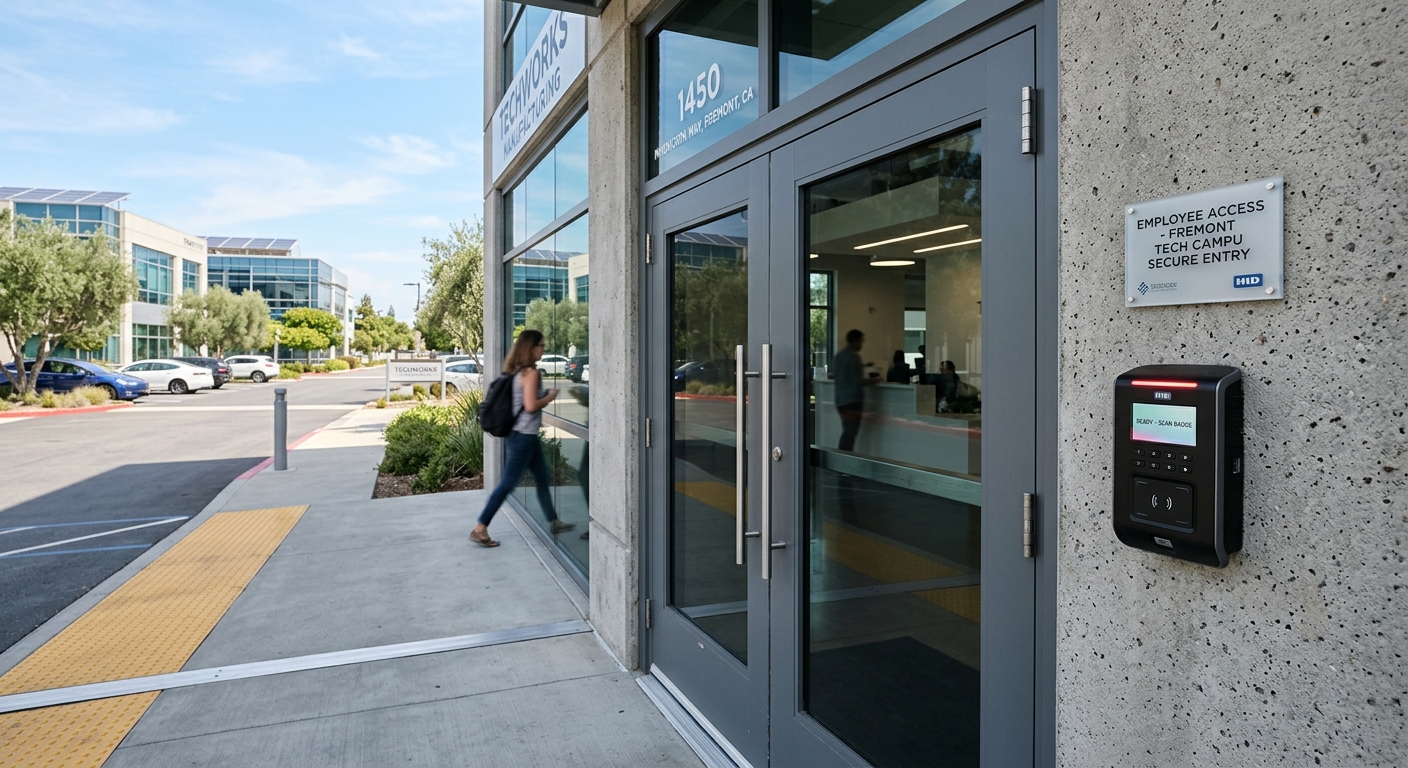
A traditional key card system for business uses a badge, fob, or card that staff present at a keycard reader to unlock a door. This setup is common because it is familiar, easy to explain to employees, and simple to use at the door.
Best fit
Physical credentials often work well for:
- Small to mid-sized offices
- Medical, professional, or administrative suites
- Businesses with regular staff schedules
- Sites that want visible ID badges for employees
- Buildings where shared access points already use card readers
Pros
- Easy for staff to learn
- Straightforward to issue and replace
- Good for tracking who entered and when
- Works well with reception desks and front-door check-in
- Can combine identity and access in one employee badge
Limits to consider
Cards and fobs get lost. They can also be shared, which makes policy enforcement harder if one employee hands a credential to someone else. If turnover is frequent, someone on your team needs a consistent process to deactivate old credentials fast.
For businesses with multiple offices, physical cards can still work well, but the setup matters. If systems are disconnected from one location to another, managing access across Concord, Walnut Creek, San Ramon, Pleasanton, Dublin, Pleasant Hill, Martinez, Richmond, Berkeley, and Livermore can become more manual than many teams expect.
Visitor and vendor management
Physical badges are a solid option when visitors need temporary credentials for a day or a week. Front desk staff can issue a guest badge, collect it when the visit ends, and keep a simple audit trail.
Vendor access takes more planning. If cleaners, IT contractors, or delivery teams need after-hours entry, a physical card works best when access can be limited by schedule and revoked quickly after the job is done.
2. Mobile badge access and phone-based credentials
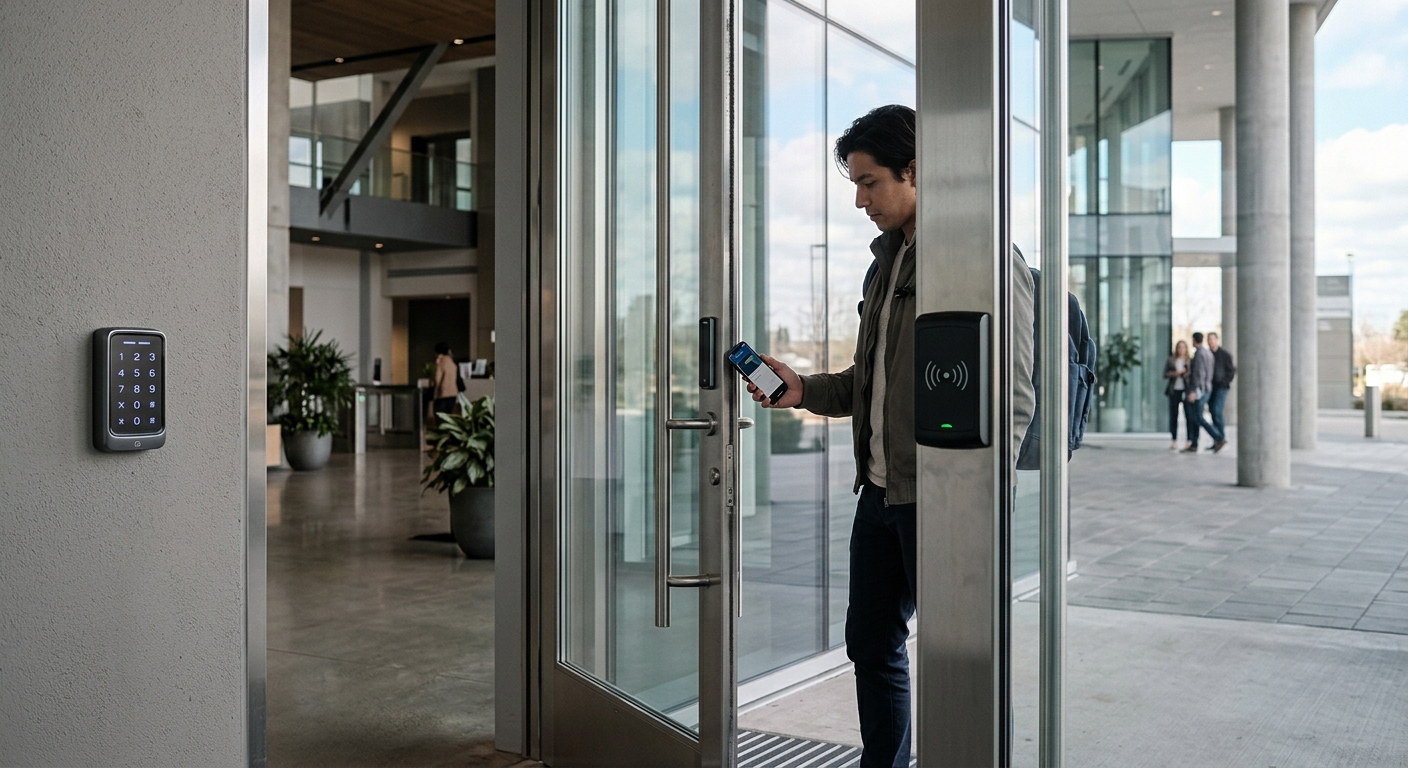
Mobile badge access replaces the plastic card with a credential stored on a smartphone. Staff tap or present their phone to the reader, and in some systems they can even unlock office with phone permissions through an app or wallet-based credential.
Best fit
Phone-based access is often a strong choice for:
- Multi-location companies
- Teams with hybrid schedules
- Offices that onboard and offboard employees often
- Companies that want fewer physical credentials to manage
- Businesses that already rely on mobile apps for daily operations
Pros
- No plastic cards to print, collect, or replace
- Faster remote credential changes for new hires and departures
- Easier to scale across multiple offices
- Good fit for centralized administration
- Staff are less likely to forget their phone than a separate badge
This approach is especially useful when one admin team manages access across several sites. A business in the Bay Area with offices in more than one city can push changes without handling stacks of replacement cards.
Limits to consider
Not every employee wants to use a personal phone for building access. Battery concerns come up too, even if they don't happen often. Older doors or legacy hardware may also need upgrades before mobile credentials can work well.
Phone-based entry also depends on clear policies. If an employee changes devices, loses a phone, or leaves the company, your team needs a fast process to revoke and reissue access.
Visitor and vendor management
Mobile credentials can simplify short-term access. Instead of handing over a card, you may be able to send time-limited credentials to a contractor or visitor before arrival. That can reduce front-desk handoffs and make after-hours access easier to control.
The tradeoff is adoption. Some guests won't want to download an app for a one-time visit. In those cases, many companies still keep a few physical guest credentials as backup.
3. Keypad and PIN-based entry
A door keypad system uses a code instead of a card or phone. In some cases, it stands alone. In others, it is part of a broader business entry system that combines keypad access with cards, fobs, or mobile credentials.
Best fit
Keypad systems are often a good fit for:
- Small offices with a limited number of employees
- Storage rooms, staff-only zones, and secondary doors
- Businesses that need simple access without issuing credentials
- Low-complexity sites with limited turnover
Pros
- No badge or phone required
- Simple for shared access situations
- Often lower friction for very small teams
- Useful as a backup entry method
Limits to consider
PINs are easy to share, and that weakens accountability. If several employees use the same code, you lose visibility into exactly who entered. Codes also need to be changed regularly, especially after staffing changes or vendor work.
For larger businesses, keypad-only access can become difficult to manage. If your team spans several offices or a high number of users, changing codes across doors and departments takes more attention than most companies want to give it.
Visitor and vendor management
A keypad can work for scheduled vendors if you assign a temporary code and remove it right after the job. That works best when codes are unique by person or by vendor company.
For visitor traffic, keypad-only entry is usually less polished than staffed check-in, guest badges, or mobile guest credentials. It can work at a side entrance or service door, but it is usually not the best front-door experience for a busy commercial property.
Which option fits your business type?
Different buildings need different tools.
Small office
A small office often does well with either a simple key card system for business or a keypad at one or two doors. If you have low turnover, a modest headcount, and limited visitor traffic, this can keep things easy without adding more system complexity than you need.
If you expect to grow soon, it may make sense to choose hardware that supports both cards and future mobile badge access. That gives you room to expand without replacing everything later.
Multi-location company
A multi-site business usually benefits most from mobile credentials or a unified employee badge system managed from one place. When employees move between offices or split time across locations, centralized control matters.
This is where phone-based access often stands out. It is easier to assign credentials remotely, remove access when roles change, and maintain consistent rules across all sites.
High-traffic commercial building
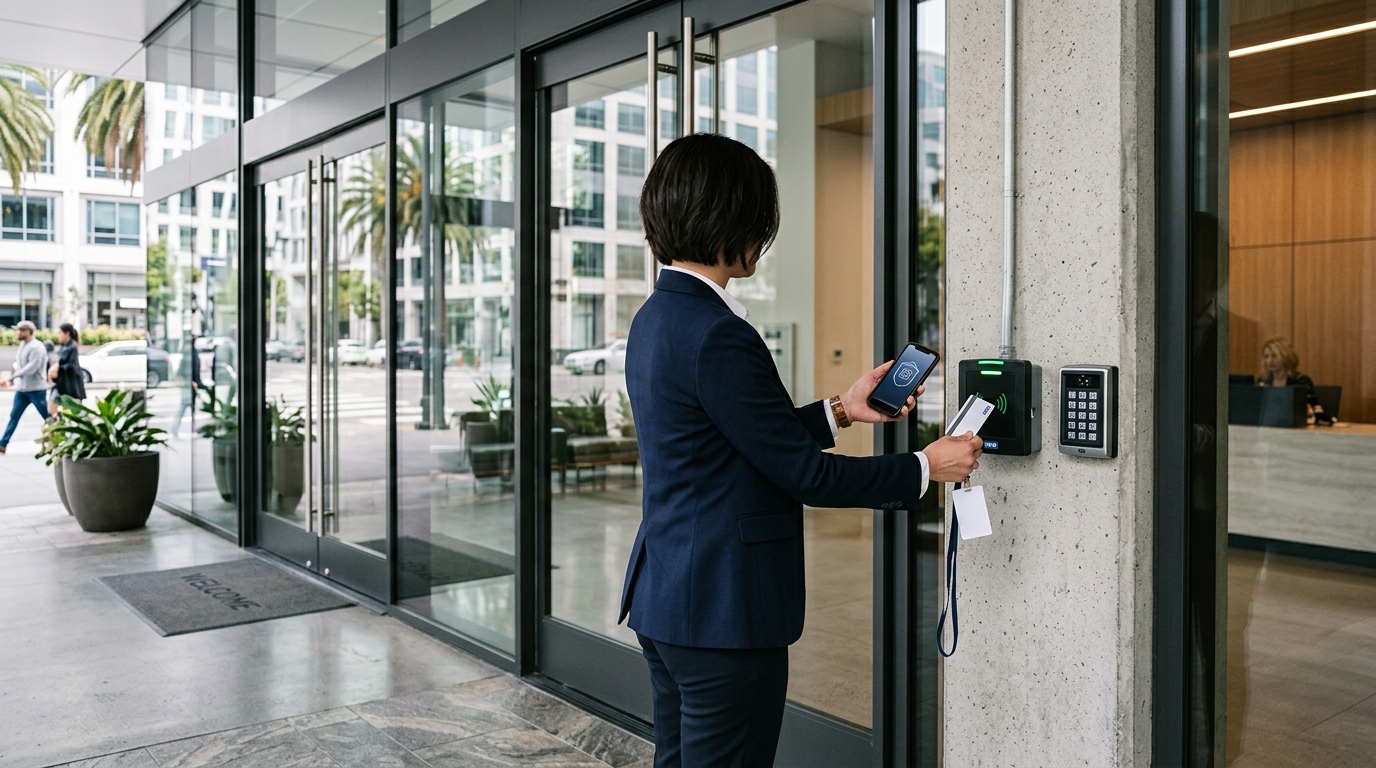
A busy building with employees, visitors, service vendors, and delivery personnel usually needs layered access. That may include a keycard reader at main entrances, mobile credentials for staff, visitor passes for guests, and restricted schedules for contractors.
In these properties, the best answer is often not one method alone. It is a coordinated setup that balances convenience at the front door with stronger control in sensitive areas.
Lost credentials, turnover, and day-to-day management
The best system is the one your team can manage without confusion.
Physical cards are easy to understand, but they create replacement work when badges disappear. Keypads remove that problem, yet shared codes can become a security issue fast. Mobile credentials reduce the number of physical items in circulation, but they still require clear rules for device changes, offboarding, and role-based permissions.
Employee turnover should carry real weight in your decision. If your business hires often, uses seasonal staff, or works with outside vendors, choose a system that lets you add and remove access quickly. A system that takes too many manual steps will eventually leave old permissions in place longer than it should.
Scaling across multiple offices
What works for one door doesn't always work for five offices.
If you expect to add locations, look beyond the opening install. Ask how access will be managed across cities, whether permissions can be updated centrally, and whether staff can use one credential in more than one place. A disconnected setup may seem simpler at first, but it can become harder to manage as your footprint grows.
For growing companies, a blended approach often makes sense. Main entries may use cards or phones, interior suites may use PINs, and vendor doors may run on scheduled credentials. The goal is not to pick one method for every door. The goal is to choose the right level of control for each use case.
Choosing the right access control approach
For many Bay Area businesses, the decision comes down to management style as much as security.
If you want familiar and easy, a physical badge or keycard reader setup may be the right fit. If you want remote administration and easier scaling, mobile badge access may be the better choice. If you need a simple answer for a small team or secondary door, a keypad can still make sense.
B&B Locksmith & Security can help you compare keyless entry for office options, from a classic employee badge system to mobile credentials and keypad-based access. Contact B&B Locksmith & Security to talk through the right access control setup for your business.